
How to play Marsverse
You're an astronaut building a colony on Mars. This guide covers every part of the game — from your first click to running a thriving base. New here? Read top to bottom.
What is Marsverse?
A multiplayer Mars colony-builder. You're an astronaut colonist in third person — and Mars is yours to settle: own a parcel of land, build and power your own base, produce resources and grow it Sol after Sol (1 Sol = 30 minutes of play). Everything you build stays in the world 24/7, bound to your wallet.
Build your colony
Claim a parcel, lay plates and raise powered buildings — produce oxygen, food, water and drinks, then sell the surplus to other colonists.
Explore & mine
Head into the wastes for iron, silicon, ice, gold and diamond. Run delivery contracts and trade. No land needed to start — and you can do both.
Player-driven economy
Consumables are made by players and traded P2P for Gold. The game only mints Gold through daily contracts and rare gold ore.
On-chain, non-custodial
Log in with a Robinhood Chain wallet. Gold ↔ $MARSVERSE trades settle on-chain, wallet-to-wallet. The game never holds your tokens.
Getting started
Connect your wallet
Phantom, MetaMask, OKX, Rabby and other Robinhood Chain wallets. You sign one message — that signature is your account. No email, no password. Your wallet address is your identity everywhere in the game.
Pick a world on the Mars globe
Each world is its own server with its own map and land — and more worlds open over time. Pick any: your Gold and items travel with you.
Choose your nickname, grab your gear
Nickname is set once, forever — choose wisely. You start with a rover and basic supplies in your inventory.
Worlds: what's local, what's global
Think of it as: land is local, wealth is global.
Land is local
Each world is a separate region of Mars with its own map, deposits and parcels. You can own one parcel per world — so as new worlds open, you can build an estate on each. Parcels are physical land: bought and sold on the world where they stand.
Wealth is global
Your Gold, inventory, nickname and Sols are one account across all worlds. The market is shared too: an item listed on one world can be bought from any other, and a supply order posted anywhere can be delivered by anyone.
Survival: the three bars
 Oxygen
 Health
 Power
PowerThe blue spawn field at the main base is a free safety net: stand in it and all three bars slowly refill — all the way to 100%, but it takes ~20 minutes from empty. Fine for an emergency; consumables and a Habitat are what you actually live on.
Parcel & base
Claim a parcel
Walk up to an unclaimed parcel and open the starter container with R. Claiming is free — but every world holds only 20 parcels, so once they are taken the way in is to buy one from a player who is selling. The land binds to your wallet permanently — log out anytime, your base persists 24/7. One parcel per world.
Lay foundation plates
Buildings need plates under them. Plates are an inventory item (starter kit has some, Build Market sells more); they must touch each other and stay on your land.
Build, move, manage — Edit Mode
Tab opens Edit Mode: place buildings, pick up and move them, open the shops, click a building for its management panel (production, levels, repairs) — and click your rover to repair it.
Buildings, power & production
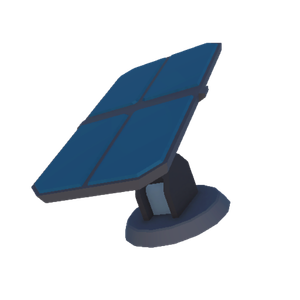 Solar Panel
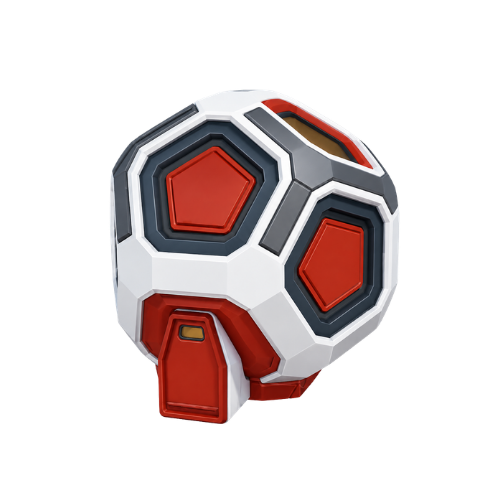 Habitat
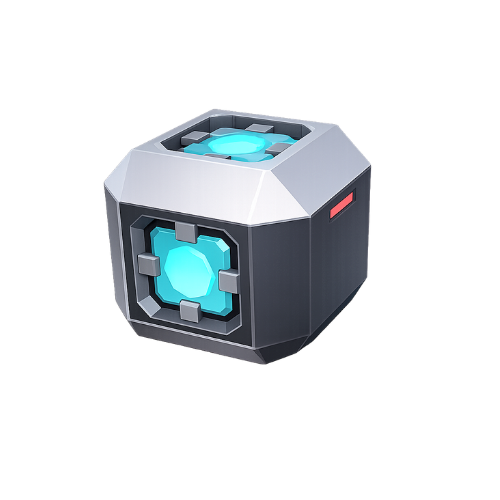 Water Extractor
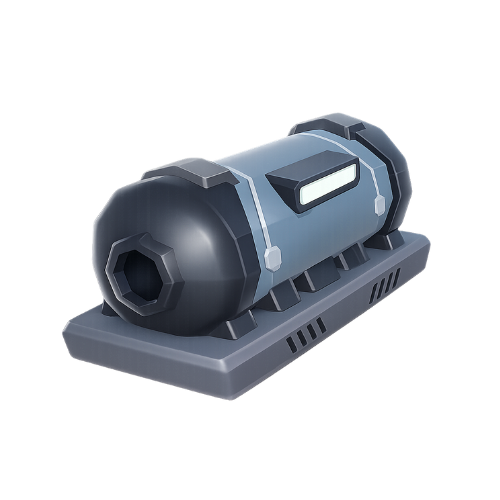 Oxygen Generator
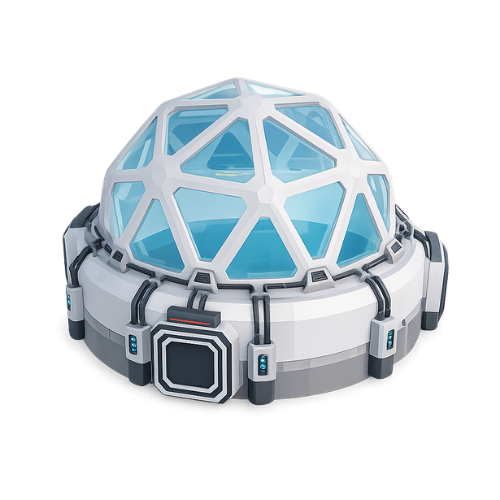 Greenhouse
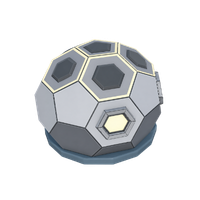 Lab
LabBatch production: open the building and press LOAD to feed it — batches consume water plus iron (bottles and cans are made of metal; the LOAD panel shows exact amounts). A batch runs ~2 Sols and a progress bar floats over the building while it works — no bar means idle, ready for a new load. Collect the output before the stock cap fills or production stops.
Power is a budget with priorities. Available power feeds buildings whole, in this order: Habitat → Oxygen → Water → Greenhouse → Lab. If a Solar Panel breaks, only what the remaining power can't cover shuts down — never the whole base. A Habitat without power still shelters you, but won't regenerate you.
Wear & repairs: every building slowly wears down as it works, and storms speed that up. A worn-out building stops and pours black smoke — walk up and hold R with Iron + Silicon to fix it. Don't leave it broken: a stopped batch is forfeited (with its inputs) after about a Sol.
Resources & mining
 Iron
Iron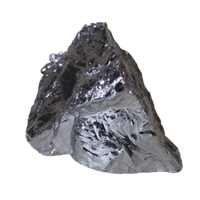 Silicon
 Ice
Ice Gold ore
 Diamond
Distance = risk = reward. Deposits spawn in zones by distance from the settlements: close-in nodes are small and common; push further and they get bigger and richer — the deepest wastes hide diamonds and mother-lode deposits. Plan oxygen for deep runs.
- Hold R at a deposit to dig — each cycle costs Power.
- A rover's scanner reveals deposits while driving (upgrade its range in the garage).
- Deposits are shared per world — someone can empty a node before you arrive.
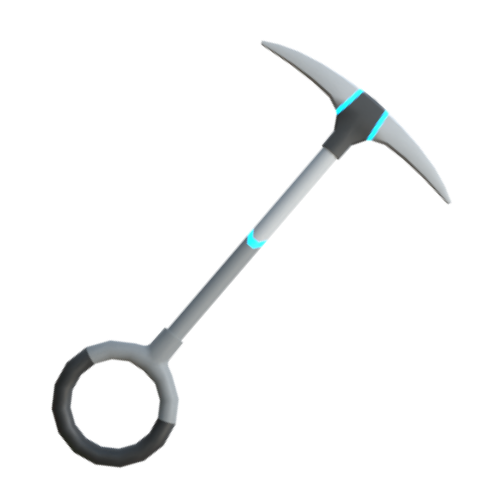
Iron Pickaxe
The everyday tool — quick on Iron & Silicon, wears out fastest.
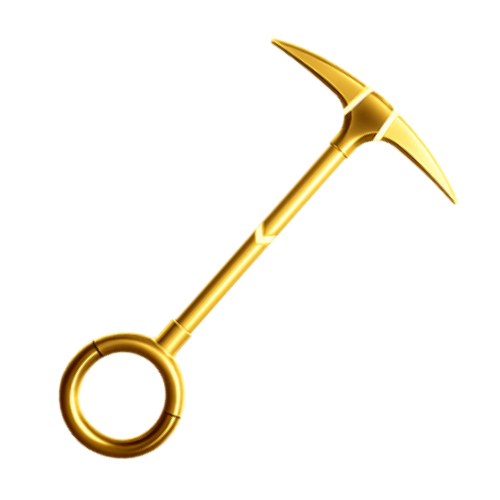
Gold Pickaxe
Faster all-round and far more durable.
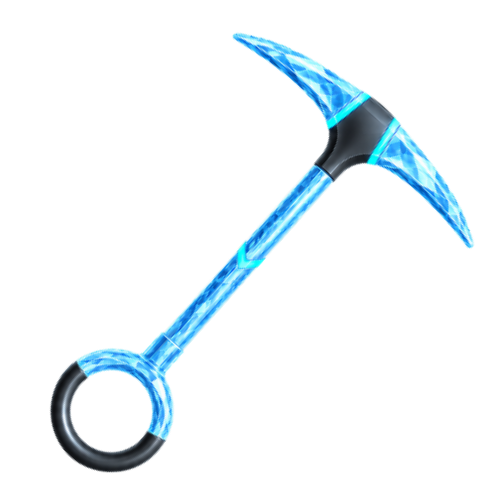
Diamond Pickaxe
Tears through everything, gold and diamond included; lasts longest.
Rovers & wear
Your rover is how you reach the rich, distant deposits — and it wears out like any machine.
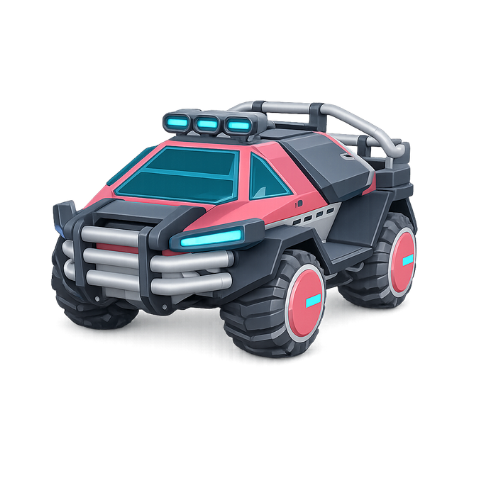 Driving
Place the rover from your inventory, press E to hop in. To get out, brake to a full stop (S or Space), then press E. Its scanner reveals nearby deposits while you drive.
Condition
A bar floats over the rover (and shows on its inventory icon): green above 50%, orange 15–50%, red below 15%. A full life is roughly 12 km. At 0% the rover breaks down: you're dropped out and it won't start until repaired.
Repairs — two ways, same price:
- In the field: open Edit Mode (Tab) and click the rover — works anywhere, even deep in the wastes.
- In the garage: Cosmetic Store → your rover — works even while the rover sits in your inventory.
- Pay with Iron + Silicon or with Gold — your choice. Cost scales with damage: fixing 30% wear costs ~30% of a full rebuild.
Death or logout safely returns your rovers to the inventory (wear carries over). The garage also sells per-rover upgrades: scanner 90 m / 250 m and +10% turbo.
Daily contracts — the Gold faucet
Taken at the Base building in the main colony (the safe area where you spawn). Three a day, done in order, each taken manually with GET CONTRACT. Reset at midnight UTC — unfinished contracts expire and container locations re-roll daily.
Supply Orders — get paid to haul
Parcel owners post orders
Market → SUPPLY ORDERS: "I want 50× Iron, paying 120 Gold." The reward is locked in escrow the moment the order is posted — the poster can't back out after you've done the work.
Anyone claims & delivers
Press CLAIM on an order you like. From that moment you have 15 minutes — a countdown appears on your screen. Gather the resources however you want: dig them yourself or buy them cheaper on the market. Then open the Market and press DELIVER. You're paid instantly; the resources go to the player who ordered them — even if they're offline. If the timer runs out, nothing bad happens: the order returns to the board.
Gold & $MARSVERSE
Two currencies, two jobs. Gold is the in-game money — it lives in your inventory, you earn it by playing, and dying with it means losing it. $MARSVERSE is the real token in your wallet, on Robinhood Chain — the game never touches it.
The Market (in your Edit-Mode menu) is where everything is traded:
- Exchange — players sell Gold to other players for $MARSVERSE. The trade settles on-chain, wallet-to-wallet: the seller receives 95%, 2.5% is sent to a burn address no one can spend from, and 2.5% funds the project treasury — every transfer is visible on-chain.
- Item Market — any item from your inventory, sold for Gold. Listings are escrowed; a small 5% fee is destroyed, so trading itself burns Gold. Works across all worlds.
- Parcels — whole bases, buildings included, sold for $MARSVERSE on the world where they stand.
- Supply Orders — the resource bounty board. Global.
- My Offers — manage your listings, cancel for a full refund, see your recent trades.
Gold in: daily contracts · gold ore · deliveries · market sales · arena wins. Gold out: buildings & upgrades · repairs · market fee · arena stakes. Scarcity is deliberate — Gold is work.
Robinhood Arena — 1v1 for Gold
The one place on Mars where fists fly. Challenge another player and set a Gold stake — both stakes lock in escrow. You meet on the ring: LMB to punch, RMB to kick — slower but heavier, hold Space to block. Strikes land on contact, not on click — step out of range and the swing whiffs. Your pickaxe is stowed for the fight and returns after. Best fighter standing takes the whole pot. Quick, brutal, and entirely optional.
Leaderboards
Two boards in the Edit-Mode menu: Base Score — the total level of everything standing on your parcel — and Sols survived, your streak of 30-minute Martian days. Nobody can raid you; efficiency is the whole competition.
Controls
Your first Sol — step by step
- 1. Connect your wallet, pick a world, set your forever-nickname. You spawn in the blue field at the main base.
- 2. Put an oxygen bottle and a food ration on your hotbar — and keep them there for life. Far from base, they're the difference between a close call and losing everything.
- 3. Go earn your first Gold: take the daily contracts at the Base building (up to 190 Gold a day) and check SUPPLY ORDERS in the Market — other players pay Gold for resources you can dig right now. Early goal: an Iron Pickaxe — craft it in a Laboratory (30 Iron + 10 Silicon) or buy one on the Market; +40% mining speed pays for itself fast.
- 4. Want land? You don't have to buy it on day one. When you're ready, buy a parcel from another player on the Market — or claim one on a newer world.
- 5. A fresh parcel starts with just a Habitat and a Solar Panel. Everything else — Water Extractor, Oxygen Generator, Greenhouse, Lab, more plates — you buy in the Build Market and place in Edit Mode.
- 6. First purchase: Water Extractor. Water feeds every production batch. Until then, dig Ice — it turns straight into water.
- 7. LOAD your Oxygen Generator (water + iron) and let the batch run. From now on you produce your own survival — and sell the surplus.
- 8. Before any deep expedition: repair your rover, top up oxygen, and sell or spend your valuables — death wipes your inventory.
- 9. Survive 30 active minutes → your first Sol. GS, astronaut.